Quick setup: takes about 3 minutes
Follow the steps below to set up Smart DNS on your Xbox.
DNS address to enter:
146.59.198.179
Open Settings (gear icon) from the Xbox homepage at the top of the screen.
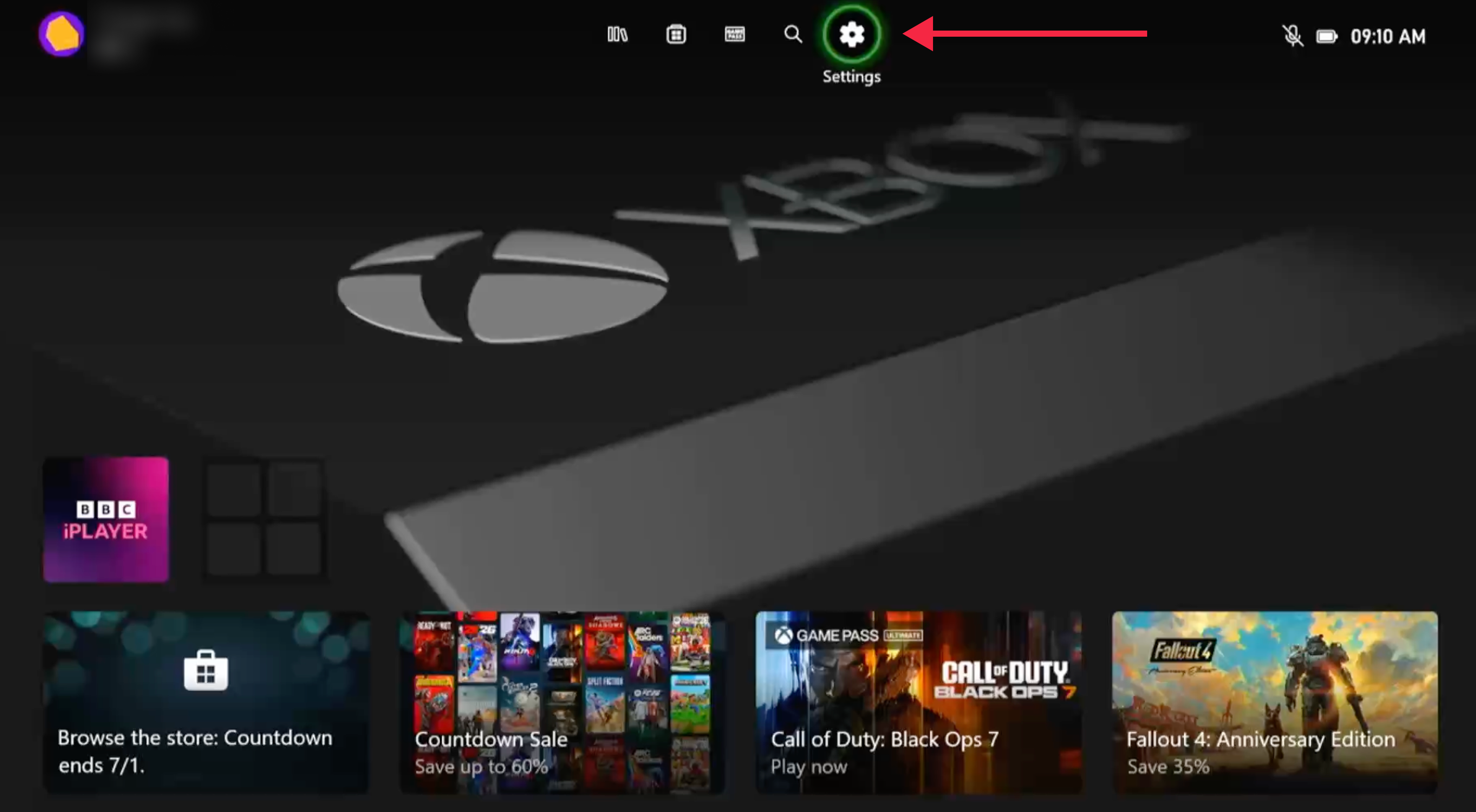
On the next page, choose Network Settings.
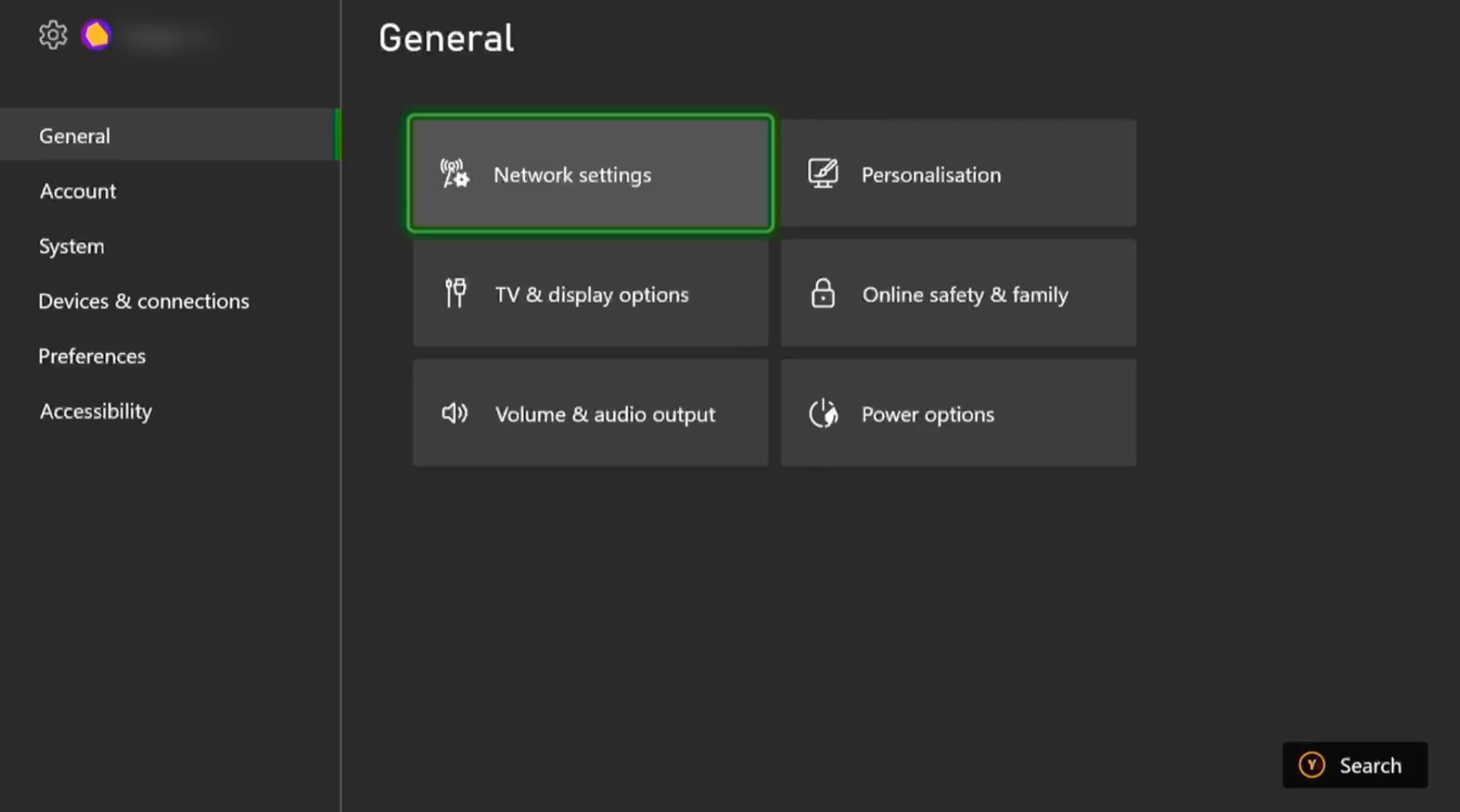
Select Advanced settings.
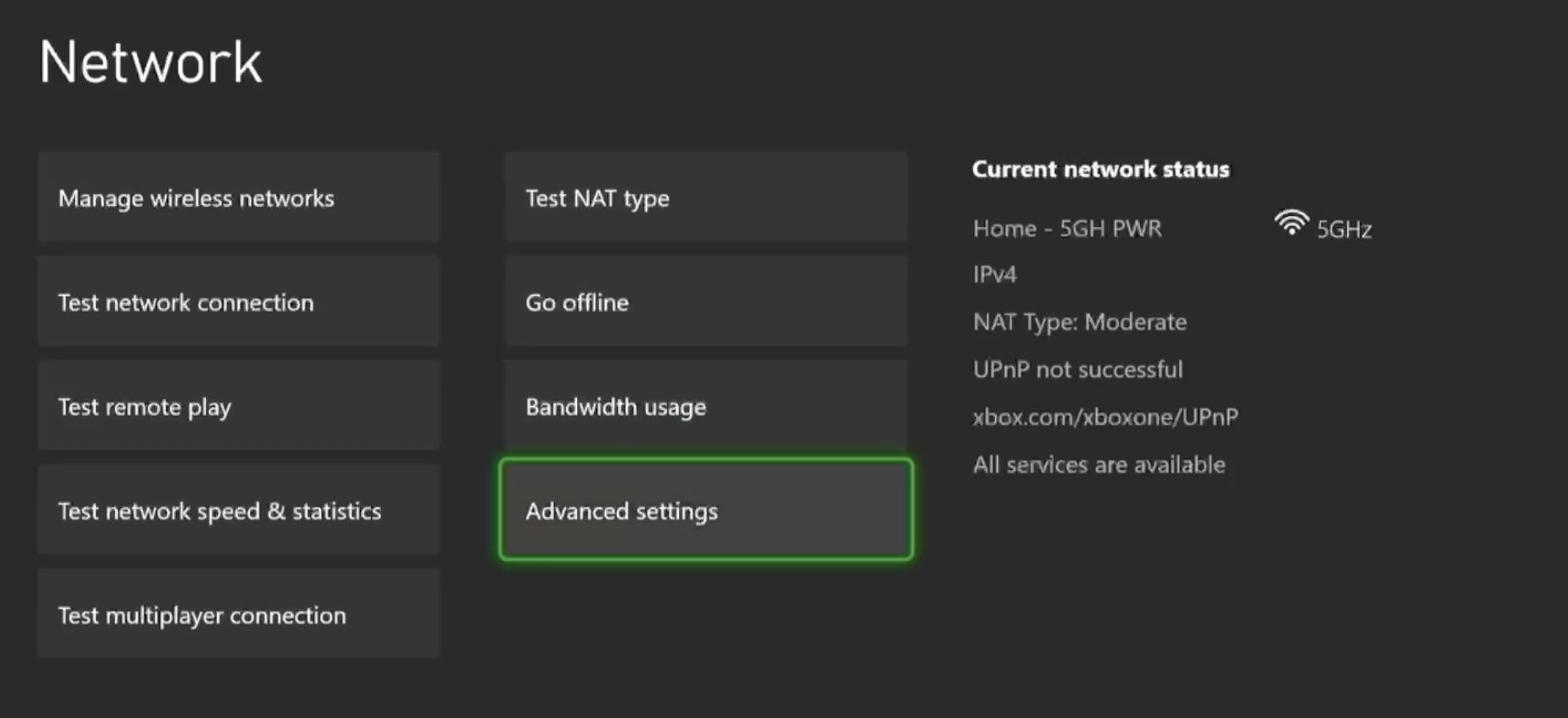
Select DNS Settings.
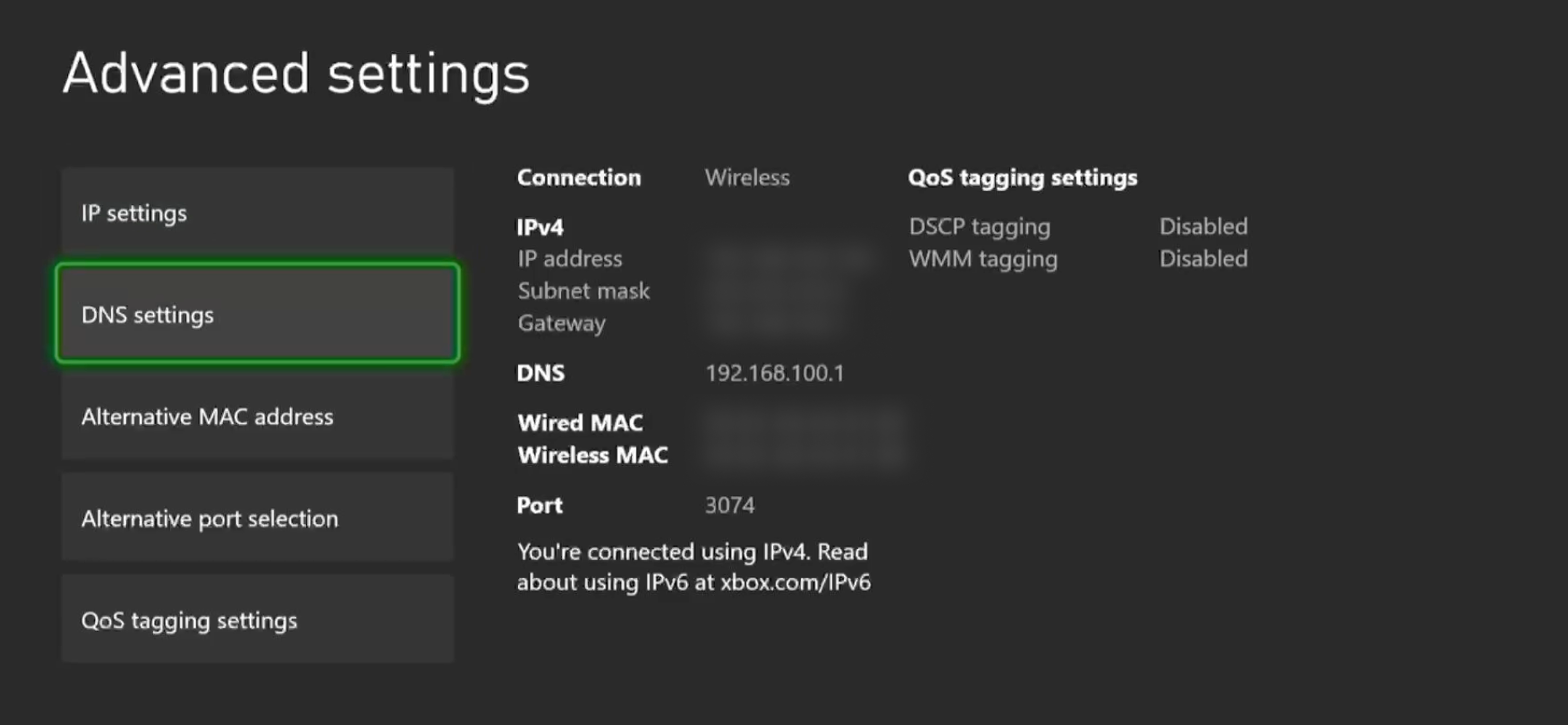
Select Manual.
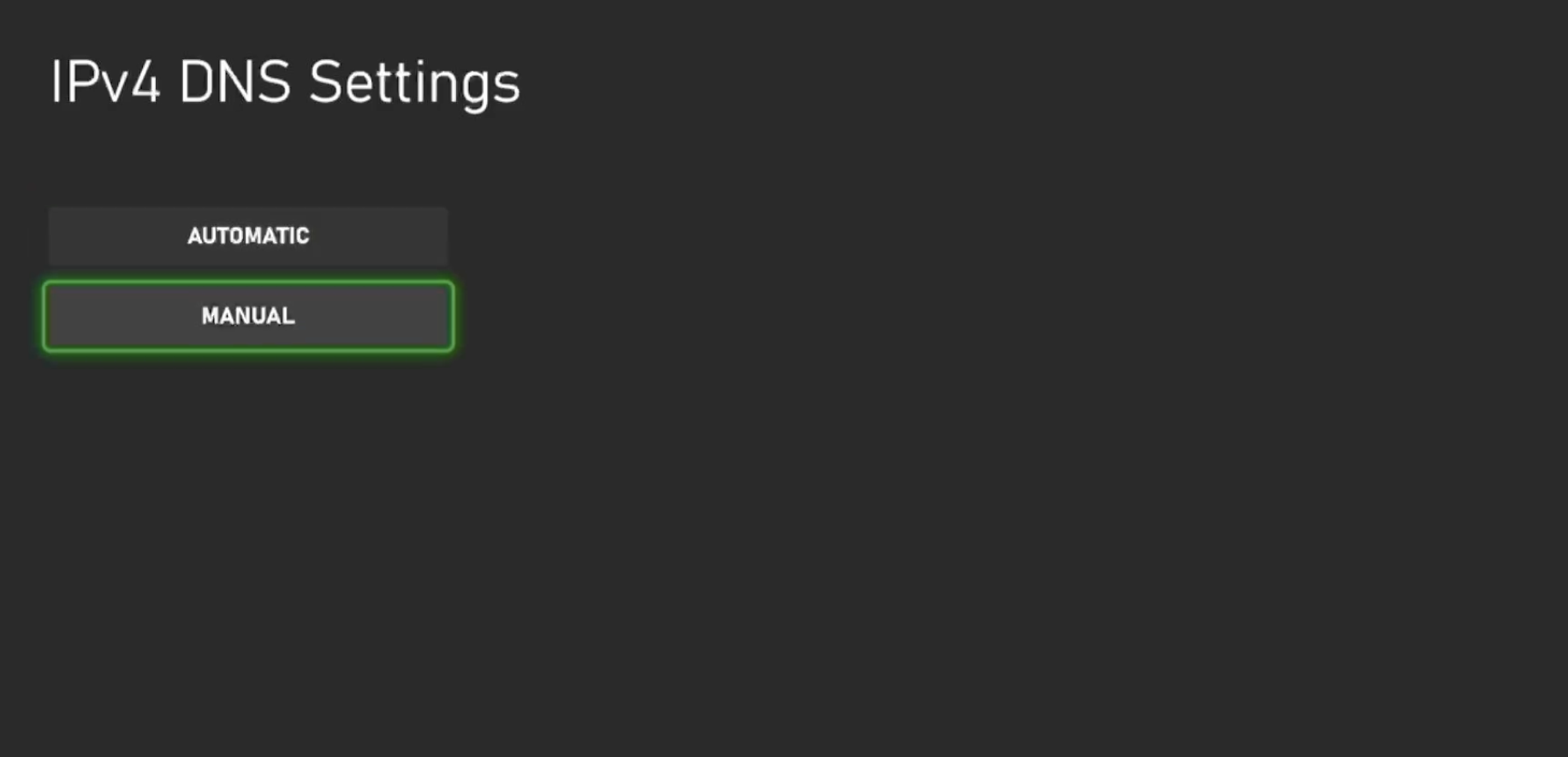
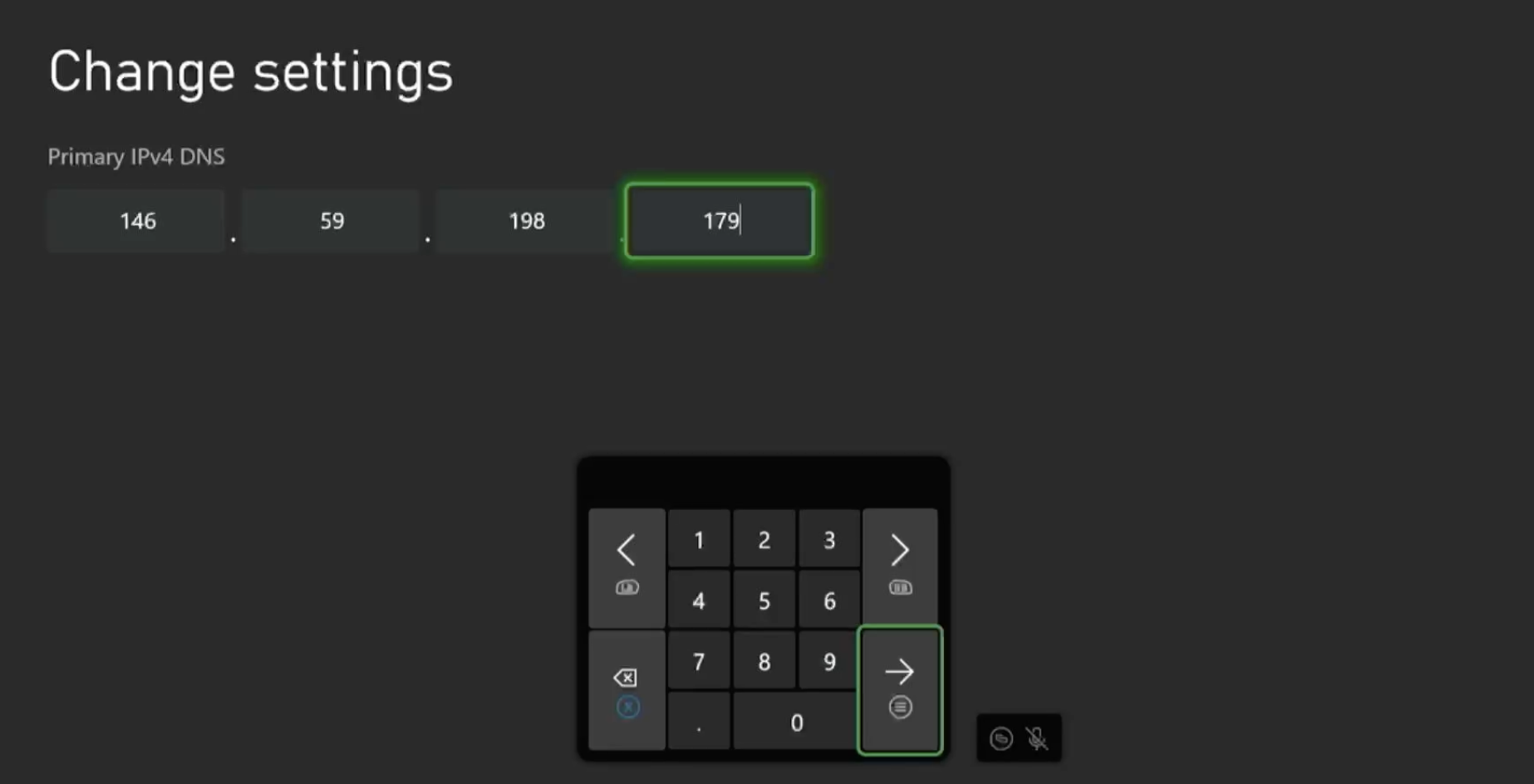
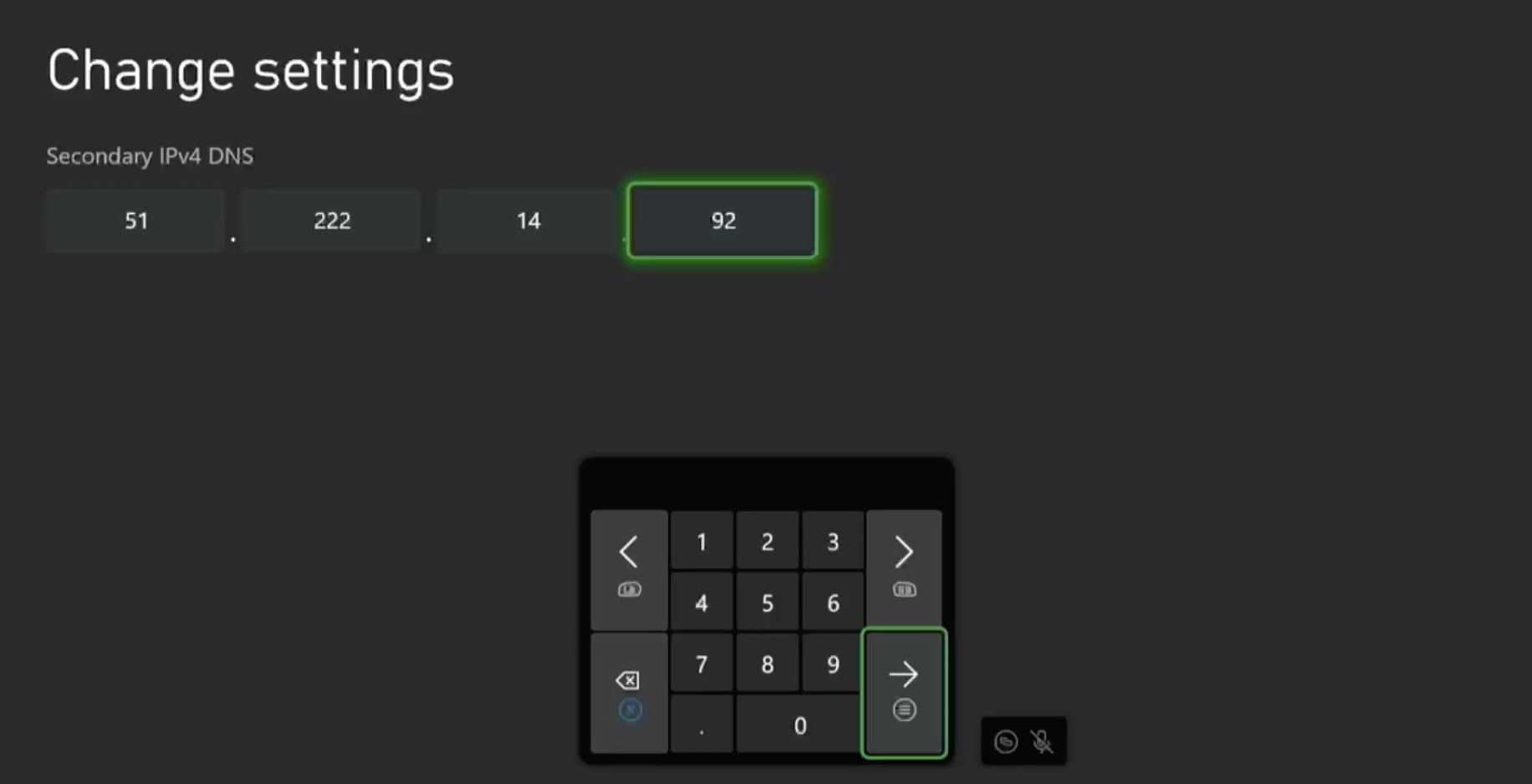
Enter the Primary DNS and the Secondary DNS on the next two pages.
Primary DNS - 146.59.198.179.
Secondary DNS - 51.222.14.92.
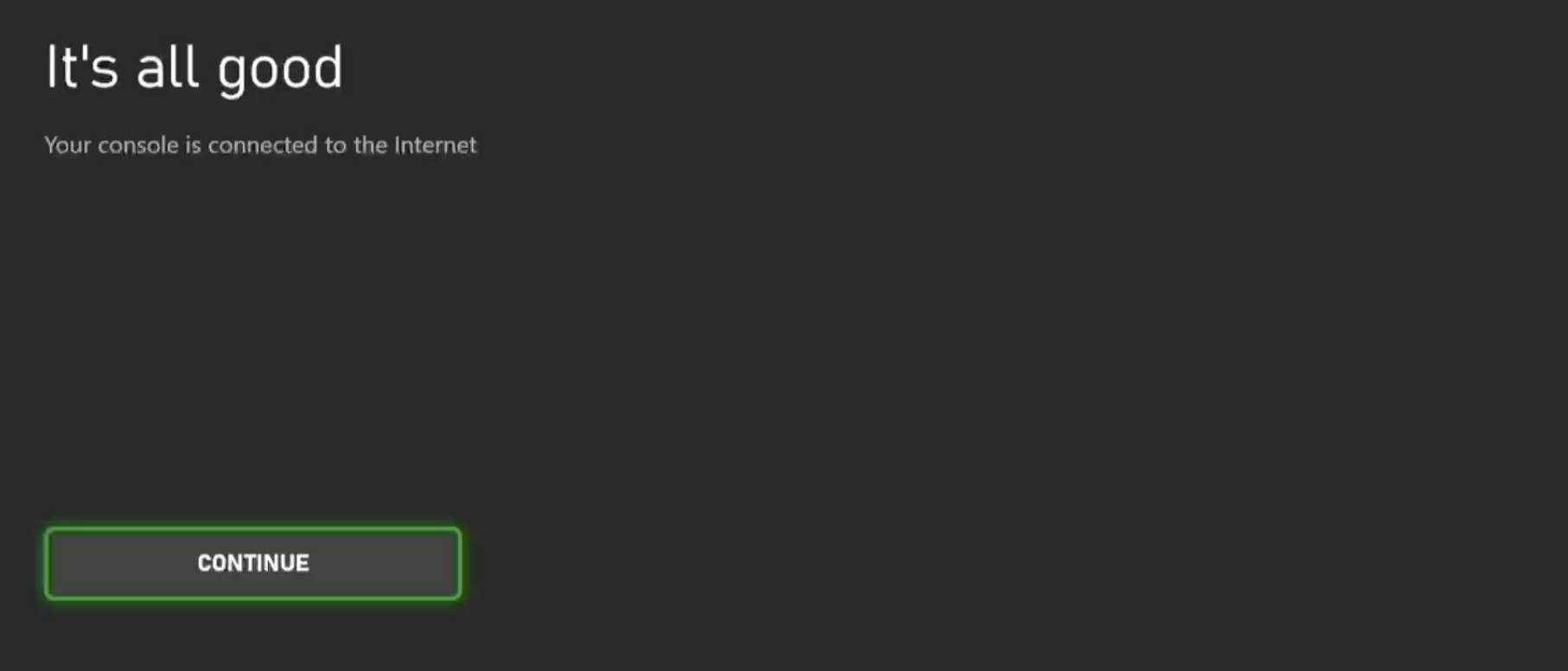
Choose Continue
Important! It's best to restart the console after following this guide to ensure the DNS cache is cleared.
