If you are not sure if Smart DNS is configured correctly this article will help you.
First of all, it is very important to understand that DNS is set up per device. Except Wi-Fi routers - if Smart DNS is configured for the router then all the devices connected to the internet via that router are using Smart DNS. Otherwise, only the device your configured it on will have Smart DNS enabled.
Now, to ensure that Smart DNS is active on the device you've configured it for, open a web browser on the device and visit: https://livingabroad.tv/check.
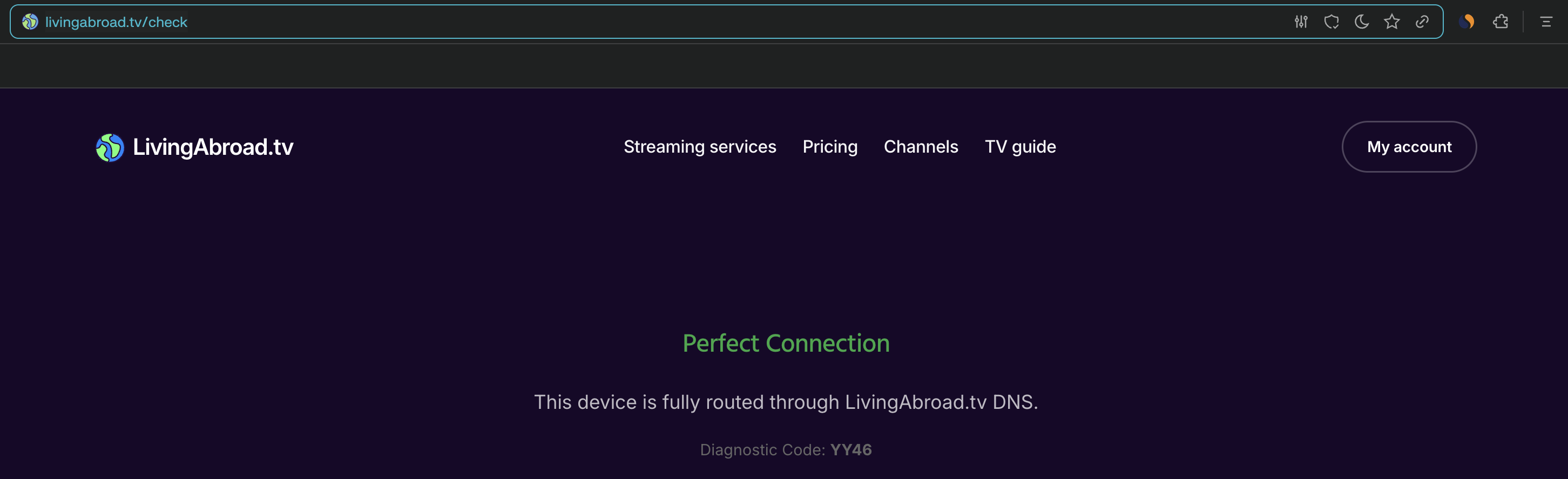
In case everything is set up properly you will see this message:
Otherwise, there will be a message describing what's wrong and a diagnostic code:
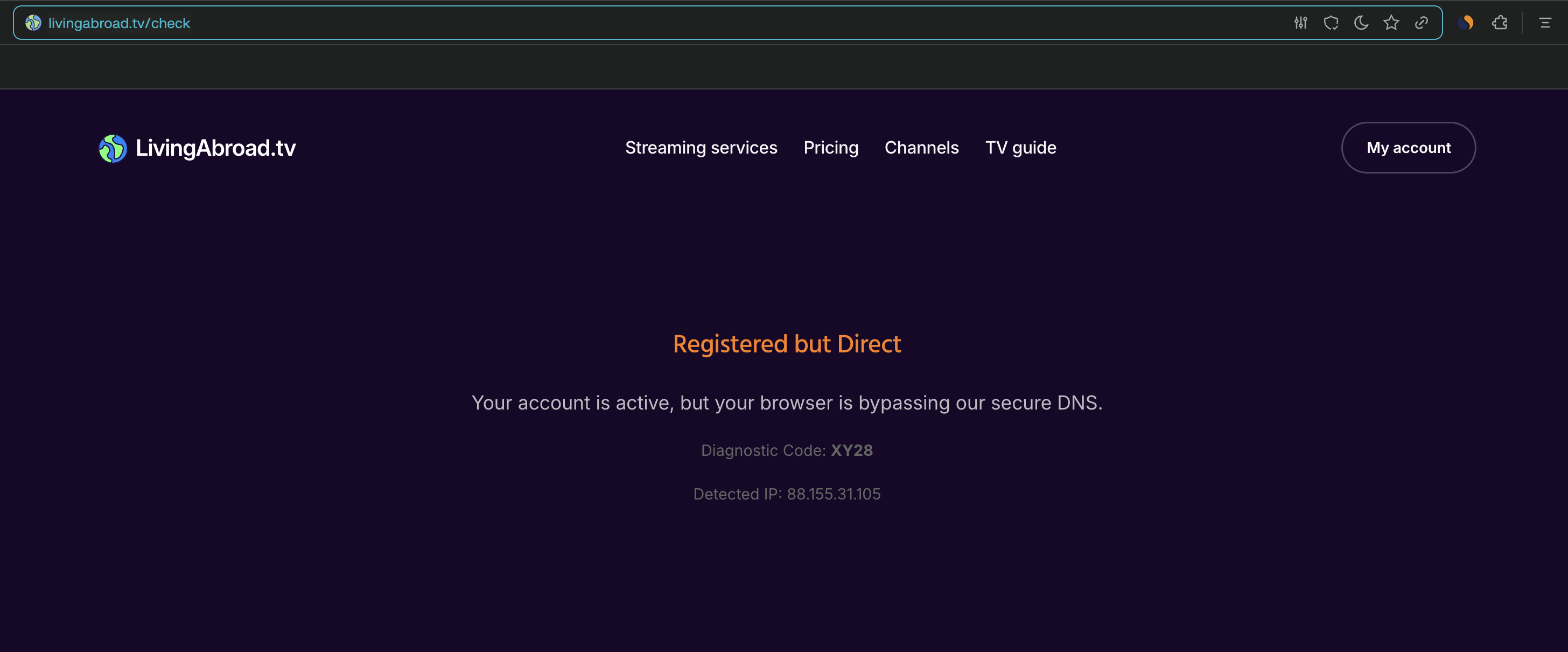
Here's an explanation what each diagnostic code means and how to fix it:
- YY46 - everything is set up perfectly.
- YX19 - DNS is configured properly, but the IP address isn't registered with us. To fix this you need to log in to your account from a device on the same network.
- XY28 - the IP is whitelisted, but the DNS isn't configured on this device. To fix this you need to follow the set up guide for your device. Note: some devices require a restart for the DNS configuration to apply.
- XX37 - DNS isn't configured for this device and the IP isn't registered in our service.
- To fix this you need to follow the set up guide for your device, then log in to your account from a device on the same network.
- **00 - our DNS server is undergoing a maintenance and isn't available right now. If you're getting this error for more than 30 minutes please contact our support via support@livingabroad.tv.
In case you've followed these steps and still having issues please contact us via support@livingabroad.tv.
